Technical operations platform for in-house IT teams
The ticket is closed. But what actually changed, and on which device?
Most systems show the request, the inventory and the network on separate screens. PolariStar keeps which user asked, which device it touched, what changed and who approved it in a single record. It runs on your own server, inside your own network.
3Which deviceDESKTOP-ACCOUNTING On record in inventory
4Where on the networkSW-FLOOR3 · Port 14 VLAN 20
5Who worked on itGökhan Dalda 45 min logged
6What changedPort configuration before / after
7What the user sawResolution notice portal + email
All seven steps live in one record. Six months later, “who last touched this device, what did they change, and who approved it?” is not a search — it is a click.
When IT work lives in six different places
An IT service firm usually keeps tickets, inventory, topology, passwords, licences and quotes for the same customer in separate places. Nothing is lost; it is just that nobody can see all of it at once.
Scattered across tools
— You fix the same fault for the third time, with no record of the first two
— The ticket is closed, but which port changed was never written down
— A customer asks “what did you do?” and the report is typed by hand
— The server warranty expired last month and nobody noticed
— Passwords sit in a notebook, with no record of who opened it
In PolariStar
✓ The device is entered once; tickets, tasks and reports attach to it
✓ Configuration before and after stays on the record
✓ The service summary is built from the logged work
✓ Licence, support and warranty expiry become tasks at 90/30/7 days
✓ The vault is encrypted; viewing and copying are audited
What lives in one workspace
Everything shares the same customer, person and device context. What you enter in one module is never asked again in another.
The same data model; the interface language changes with the workspace type. What a service provider calls a “customer” is a “department” inside a company.
PolariStar IT
For in-house IT teams running their own infrastructure. The language is built around departments, locations and users.
Core concept
Department, place, user
Inventory
One company inventory
Sales
None — renewal tracking only
Extra screen
Sharing with your provider
PolariStar MSP
For IT firms serving several customers. The firm runs its own internal work in the same workspace.
Core concept
Customer, contact, site
Inventory
Organisation + per customer
Sales
Catalogue, quotes, suppliers, commission
Extra screen
Operations Centre
You decide where the data lives
PolariStar runs on your own server. Your data never leaves your network, and you decide what, if anything, is shared outside it.
Workspace
A data area is opened centrally without a full install at the customer. Users, requests and inventory live there.
Local collector
A small collector on the customer network scans read-only over SNMP. It never writes to devices and only makes outbound connections.
On your own server
A Docker-based on-premise package with a signed licence and encrypted backups, for companies that want the whole product in-house.
Sharing is your choice
Inventory ownership stays with the customer. The customer marks what goes to the provider; the provider accepts it.
From the interface
Screens are taken from the product demo environment; the data is sample data.
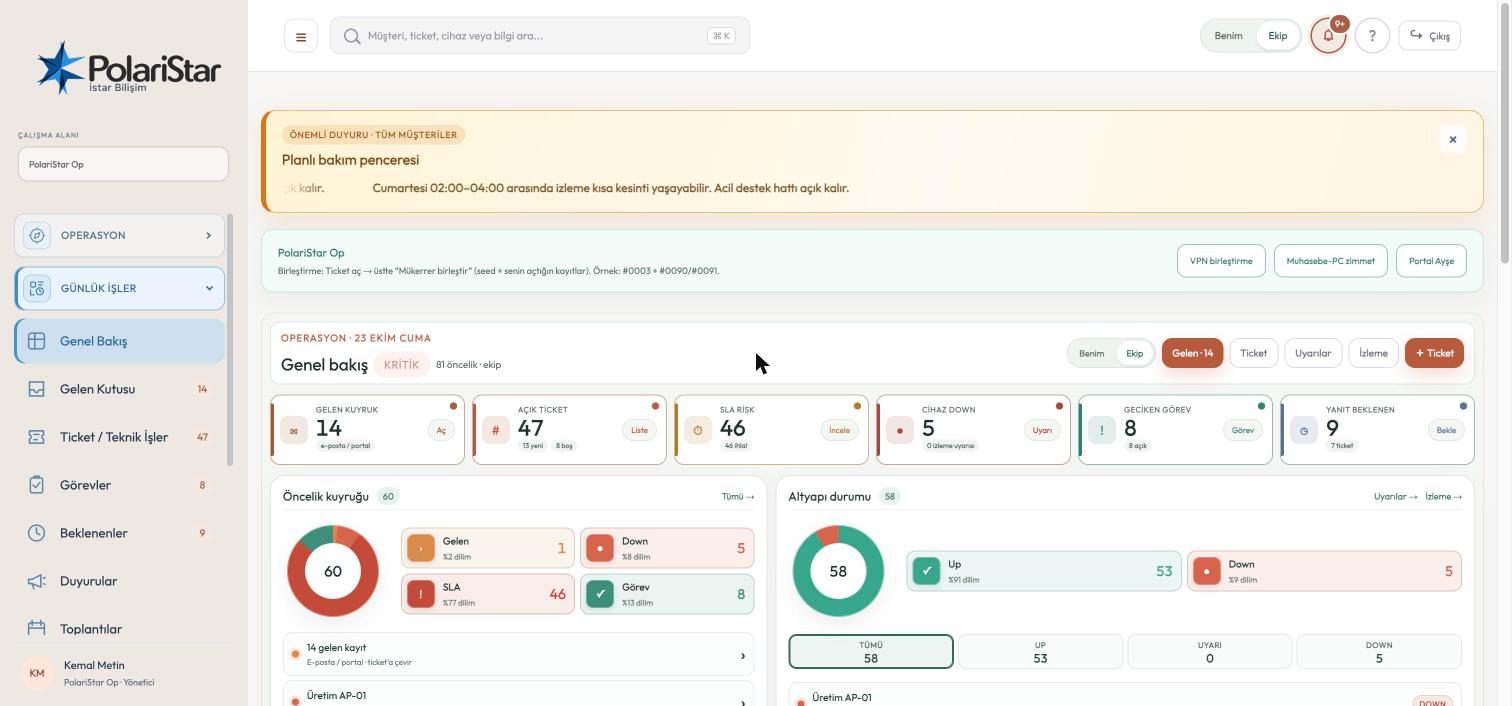
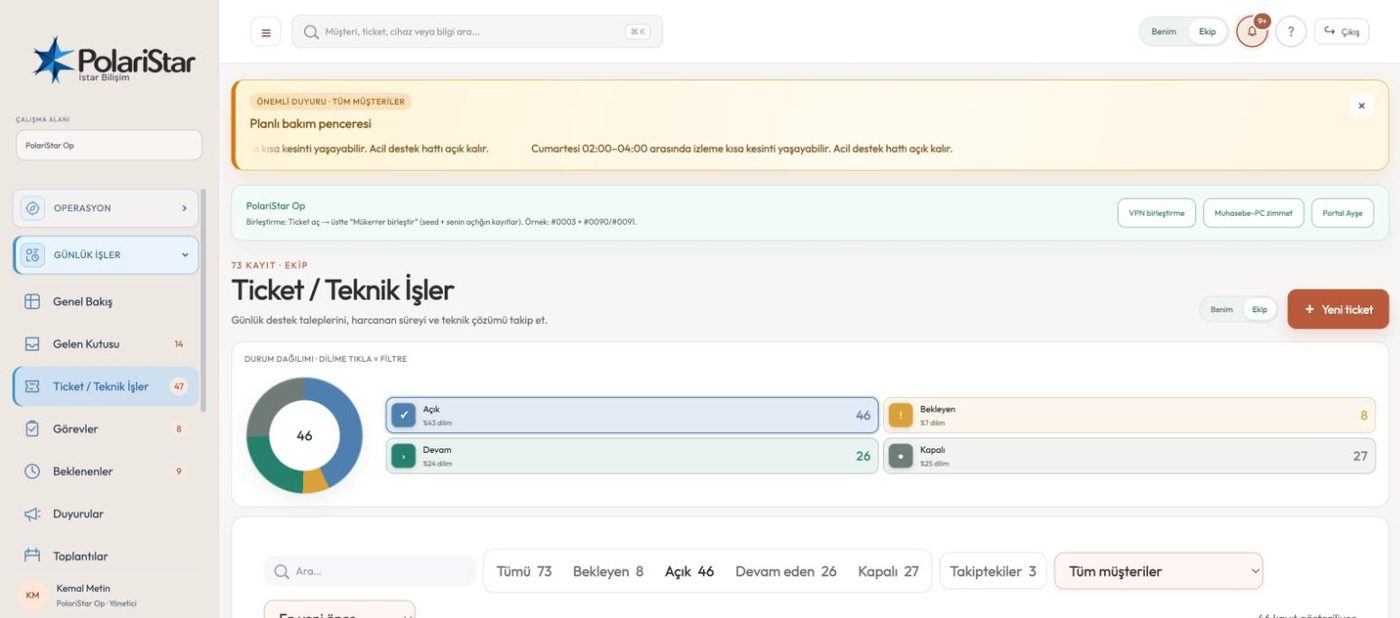
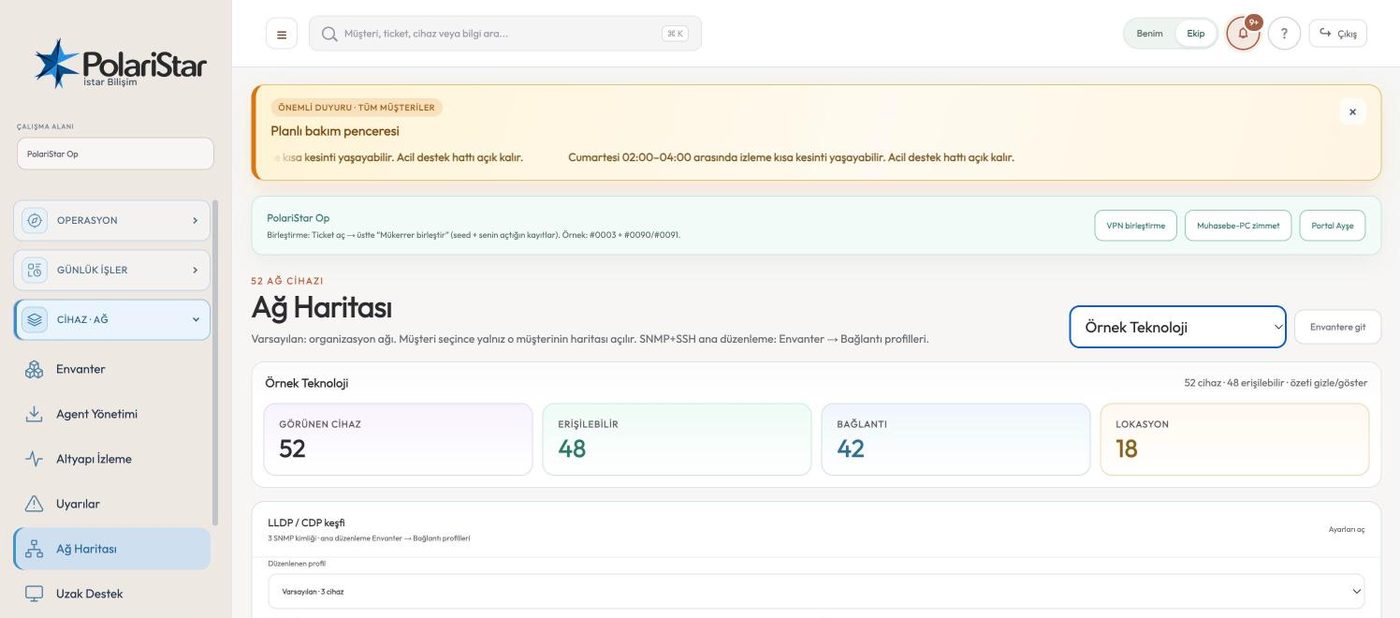
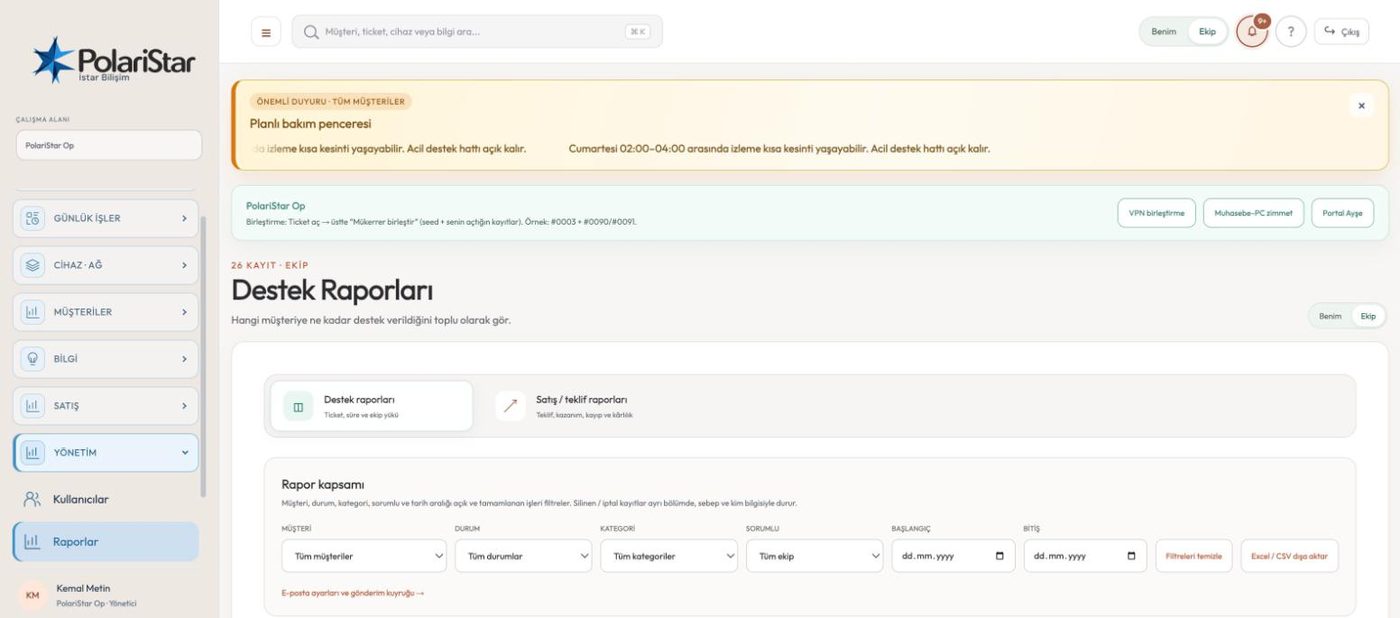
OverviewThe day's queue, SLA risk and infrastructure status on one screen.TicketsFilter by clicking the status ring; track time and resolution.Network mapNeighbours discovered over LLDP/CDP, manual correction and location areas.ReportsSupport reports by customer, owner and date; Excel/CSV export.
See it on your own operation
Let us open a workspace for you and try it with your own customers and devices. We will guide you through setup and data migration.